
Your new tab, arranged by you.
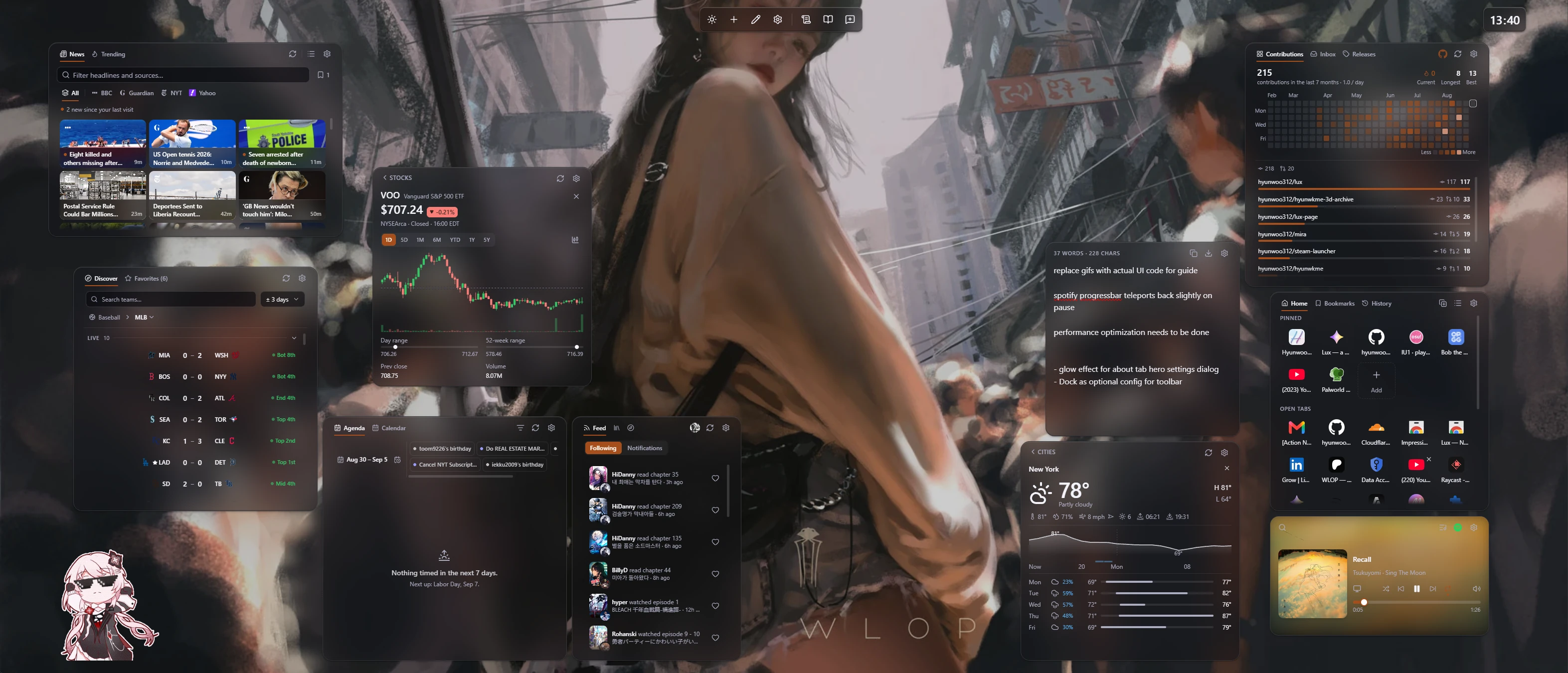
Lux replaces the new tab page with a dashboard you arrange yourself — a grid of widgets in a glassy light or dark theme. Connect an account only when you want its widget. There’s no Lux account, and your setup stays in your browser.
Free & open source No Lux account No analytics
A dashboard, not a search box
Everything you want on the new tab, visible without pressing anything.
What can you do with Lux?
Drop a widget anywhere on the grid. Drag it around, or pull a corner and the grid makes room. Configure each one, from what it shows to how it looks. Press Alt+T anywhere to open the command palette. Set a wallpaper, then tune the rest in settings. There’s a guide inside the extension when you need it.
Widgets for what you check

Add more than one of the same kind. Most need no account at all.
AniListAccount
CalendarAccount
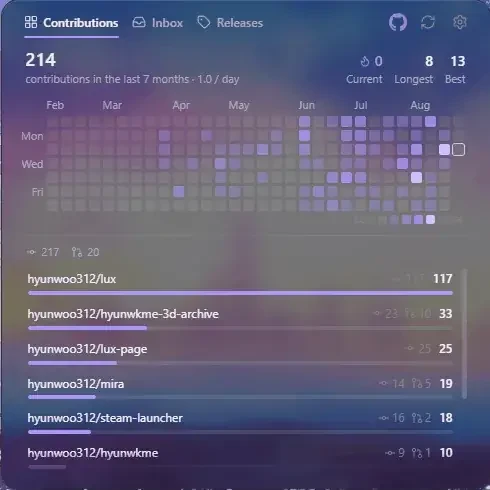
GitHubAccount

ImageNo account
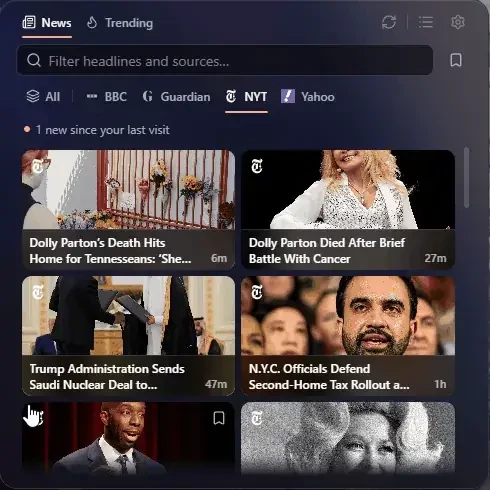
NewsNo account

NoteNo account
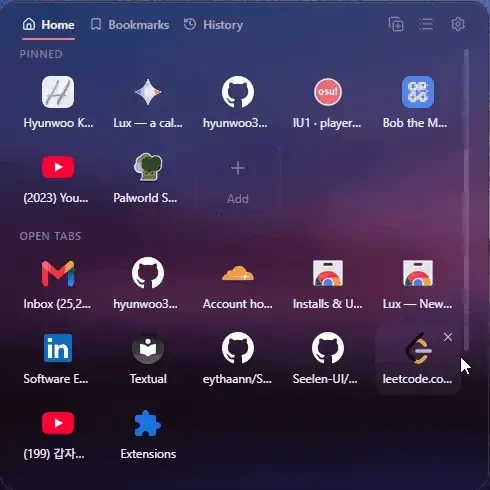
Quick AccessNo account
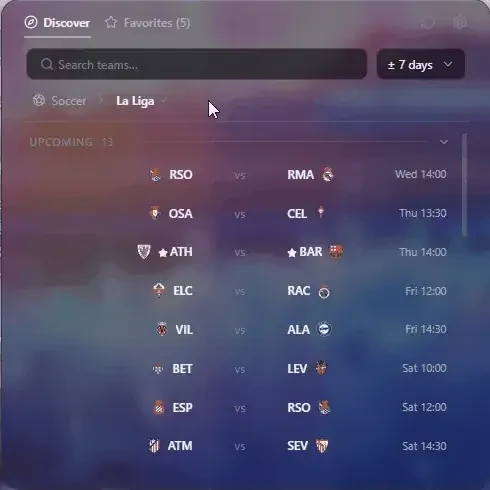
SportsNo account
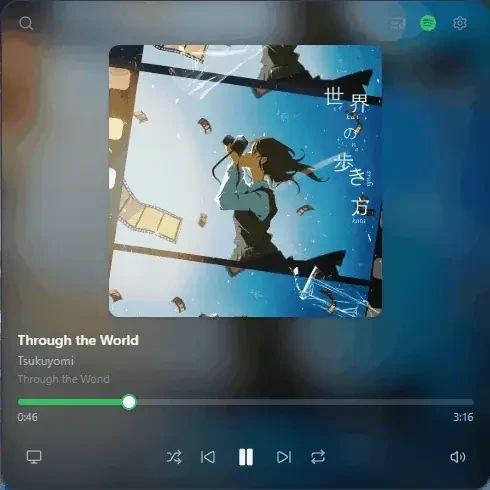
SpotifyAccount
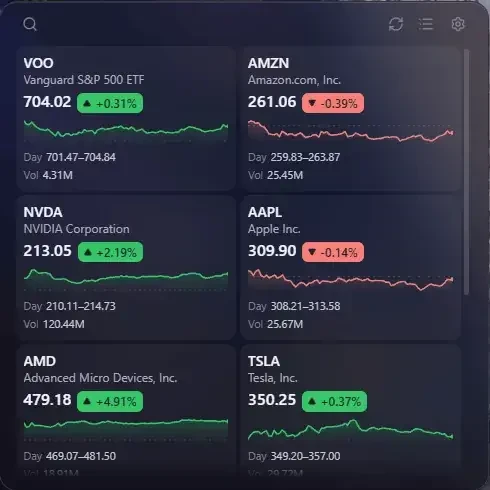
StocksNo account
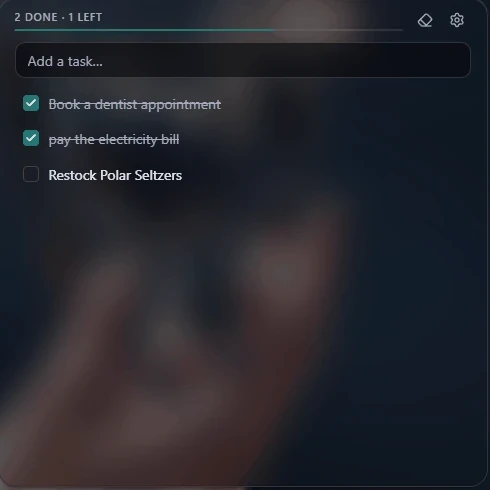
TasksNo account
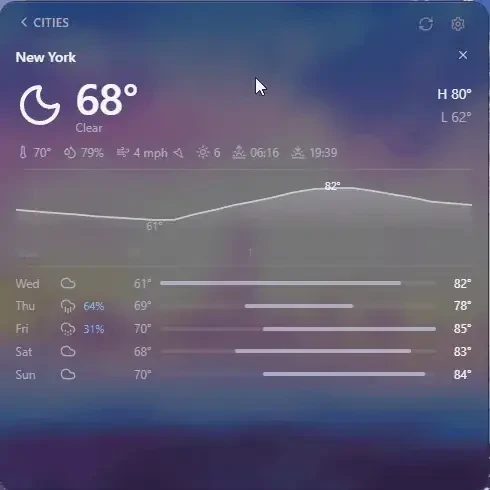
WeatherNo account
What a connected account can access
Connect an account only when you want its widget. Its data is fetched directly from the provider to your browser, never through a Lux server.
Lux reads your data. The only changes it makes are ones you trigger yourself — controlling Spotify playback and, on AniList, liking an activity, updating your progress, or marking notifications read. It never changes your calendars or repositories:
- Google — your calendar events (
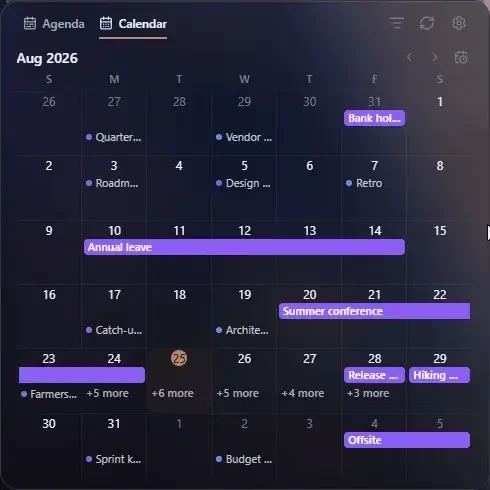
calendar.readonly) and your account email (userinfo.email). Both read-only: Lux never changes an event. - Outlook — your events (
Calendars.Read) and basic profile (User.Read), read-only. - Spotify — playback state and your saved tracks and playlists, to show and control what’s playing and to search your library.
- GitHub — your profile, contributions, notifications, and the repositories you watch.
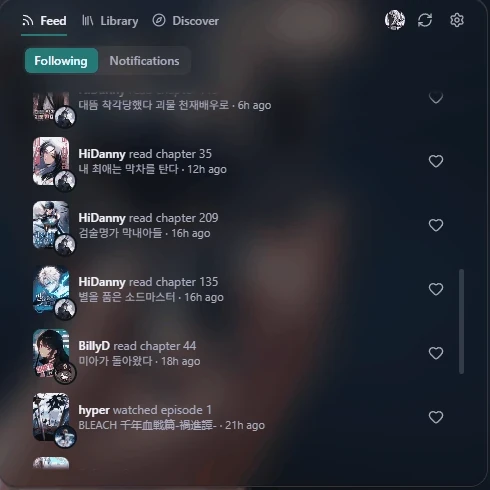
- AniList — your anime and manga lists, notifications, and the activity of people you follow. AniList offers no read-only scope, so the token is account-wide; Lux only reads, except for actions you trigger: liking an activity, adjusting your episode/chapter progress, and marking notifications read.
Lux’s use of information received from Google APIs adheres to the Google API Services User Data Policy, including the Limited Use requirements: Google data is used only to show your events, name the connected account, on your device — never transferred, never used for advertising, never read by humans, and never used to train a model. See the privacy policy for the full disclosure.
Privacy
Your settings and account tokens are kept in your browser. There’s no Lux account and no analytics of any kind. Google, Microsoft and GitHub sign-in goes through a small stateless relay that stores nothing. See the privacy policy for details.