
Every widget
Add more than one of the same kind. 8 of them work with no account at all.

AniList
AccountYour anime and manga list with progress, what airs this week, and a feed of the people you follow. Trending titles show without signing in.
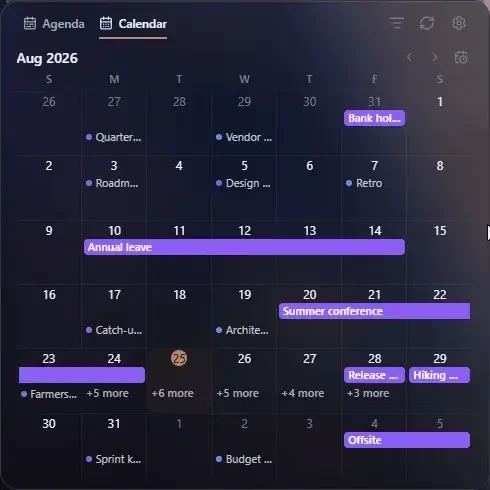
Calendar
AccountGoogle and Outlook events together, read-only — with join links for video meetings, your RSVP at a glance, and a month grid or a list.
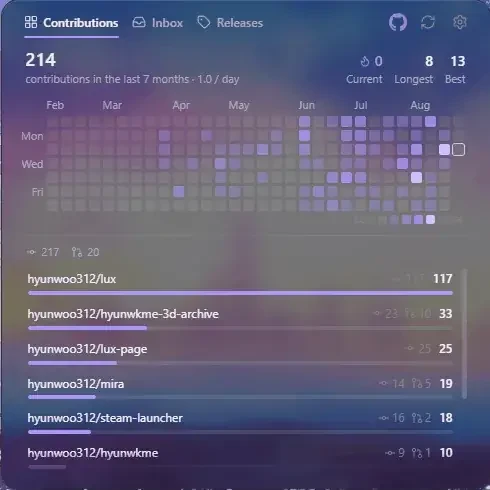
GitHub
AccountYour contribution heatmap with streaks and a per-repository breakdown, a list of open pull requests and notifications, and releases from the repositories you watch.

Image
No accountYour own photos on the new tab — a single image, or a slideshow that fades through a set on a timer.
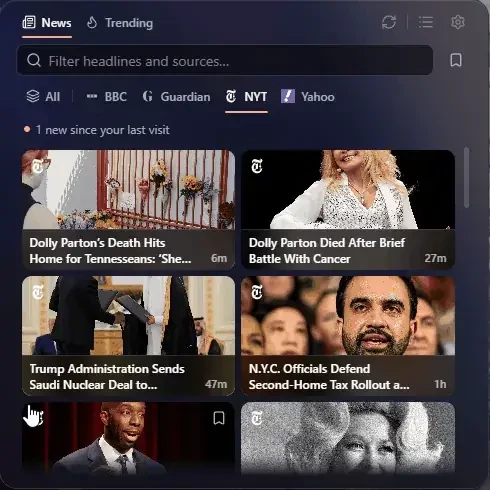
News
No accountHeadlines from six publishers with feed-excerpt previews, related coverage, read and unread filters, and saved stories. Open the publisher when you want the full article.
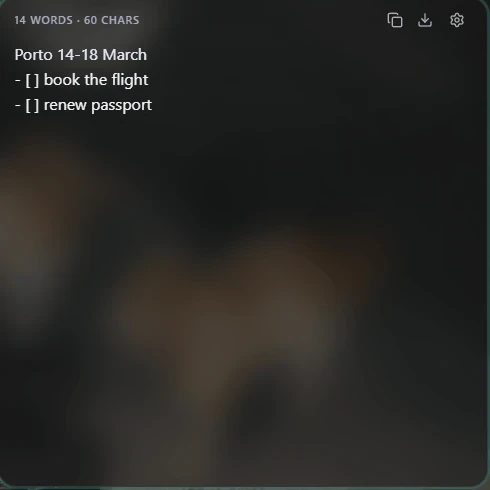
Note
No accountA plain-text scratch note with local recovery for a quick tab close, and a choice when another tab edits the same note.
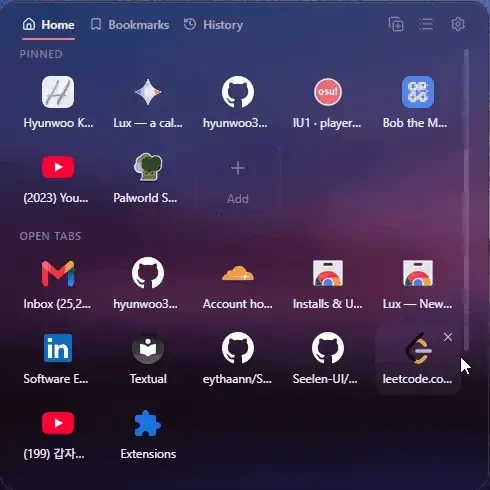
Quick Access
No accountSearchable pins with compact actions, plus bookmarks, history, open and recently closed tabs, and most-visited. Browse bookmark folders with breadcrumbs, keep your place across tabs, and drag to reorder pins in grid or list.
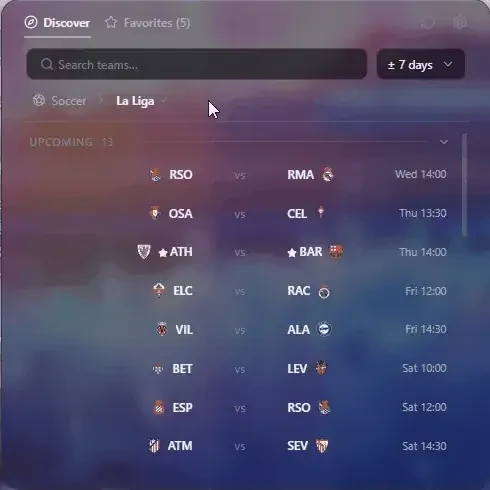
Sports
No accountFollow teams across seven sports, pick dates from a calendar, and filter live, upcoming or final games. Open a game for scores and supplied statistics; NBA and NFL add player details and available plays or drives.
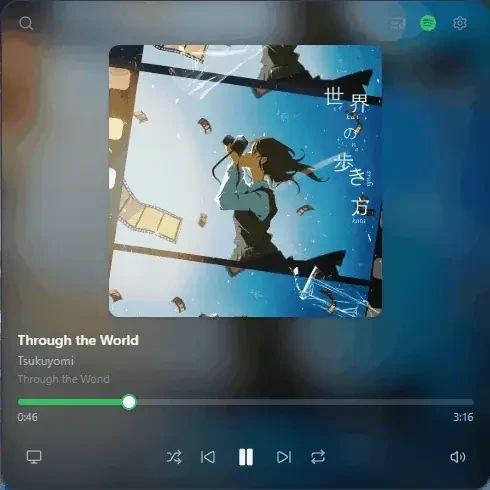
Spotify
AccountNow playing with album art and the full transport — shuffle, skip, repeat, volume — plus search Spotify and send it to any of your devices. Premium required to control.
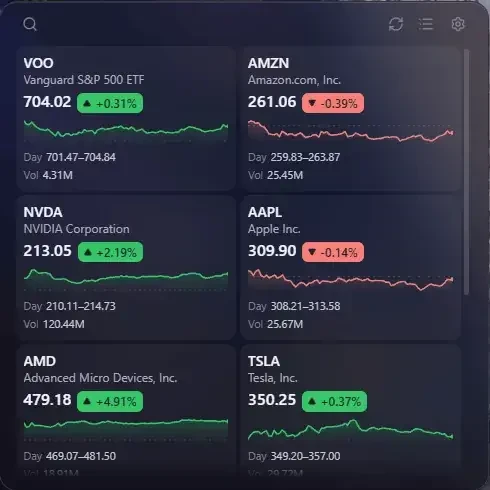
Stocks
No accountYour watchlist in List, Cards, Performance or Heatmap. Compare symbols, explore line and candle charts, and inspect volume and a moving average with zoom and pan controls. Yahoo Finance quotes may be delayed; returns exclude dividends and currency conversion.
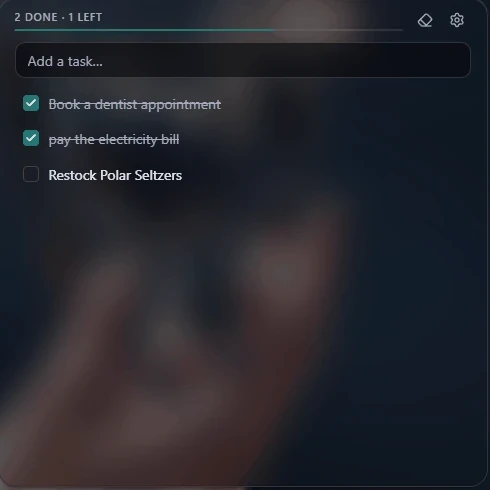
Tasks
No accountA local daily plan with All, Today and Done, important tasks, descriptions and checklists. Search your details, choose Focus or Manual order, and bring unfinished plans forward without losing them.
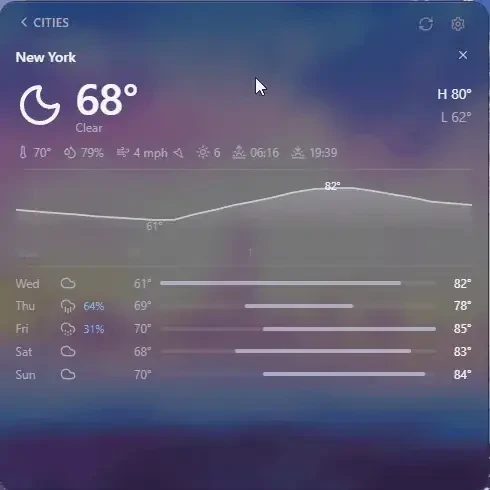
Weather
No accountCurrent conditions and an interactive forecast for the cities you choose. Select a day and inspect hourly temperature, rain chance, wind or humidity by pointer, touch or keyboard, with feels-like, UV and sun times alongside.
Optional integrations
Connect an account only when you want its widget. Its data is fetched directly from the provider to your browser, never through a Lux server.
- Google CalendarRead-only access to your upcoming events, shown on every new tab.
- Outlook CalendarRead-only access to your upcoming Outlook / Microsoft 365 events.
- SpotifySee what’s playing, control playback, and search Spotify to play (Premium required to control).
- GitHubDisplay your contribution graph, notifications, and watched-repository releases. Marks notifications read only when you do.
- AniListYour anime and manga lists and notifications. Lux only reads them, apart from actions you take yourself.
- Google CalendarRead-only access to your upcoming events, shown on every new tab.
- Outlook CalendarRead-only access to your upcoming Outlook / Microsoft 365 events.
- SpotifySee what’s playing, control playback, and search Spotify to play (Premium required to control).
- GitHubDisplay your contribution graph, notifications, and watched-repository releases. Marks notifications read only when you do.
- AniListYour anime and manga lists and notifications. Lux only reads them, apart from actions you take yourself.
What each connected account can access is listed in full on the privacy policy.